
For publishers and authors
Book formatting softwareA print book and an ebook from one manuscript
Upload a Word manuscript, pick one of 20 templates and make it yours. Familiar sets the print PDF, the EPUB, a proof for your proofreader and an editable galley from the same design.
- Free during the open beta
- KDP and IngramSpark trim sizes
- Every page shown here is a real export
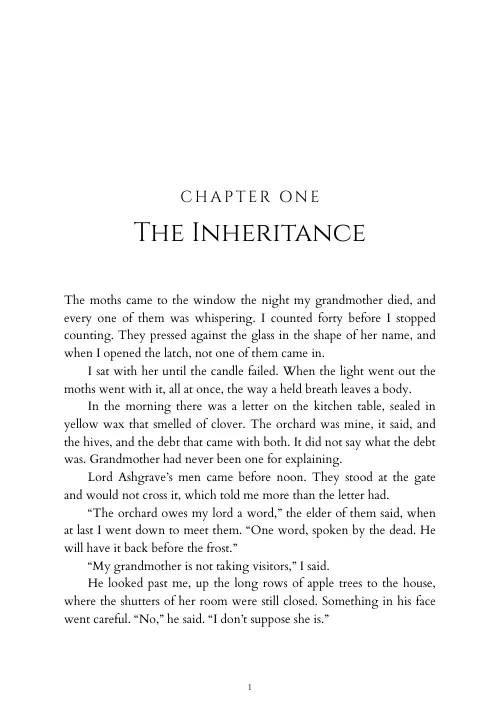
The Moth Orchard · Trade paperback
Fantasy template
Export · manuscript v5
Print PDFEPUB 3Proof PDFGalley DOCXFor publishers
Your house design, applied the same way to every edition and every book on the list, and nothing goes to the printer built from last month’s manuscript.
Editions
Every edition from the same manuscript.
The trade paperback, large print, mass market and ebook are separate formats of one book, each pinned to a manuscript version. When a revised manuscript arrives, every format shows it, and you move each edition over when it is ready.
- Each format pinned to a manuscript version
- A warning on any format behind the latest version
- Large print and mass market templates and trims
The Moth Orchard · formats
Manuscript version
Use v5Large print builds from v4
v5 arrived Tuesday. Switch when the edition is ready for it.
House templates
Design once, use it across the list.
Save a design as a house template and anyone in your workspace can start a book from it. Set one as the default, hide the built-in templates you never use, and copy a finished format to a new hardback or ebook edition instead of rebuilding it.
- Templates shared across your workspace
- A default template for new books
- Copy a format to another edition, or its settings to another book
Your templates
Plus the 20 built-in templates
Copy format
Exports
Every file the printer, the stores and the proofreader need.
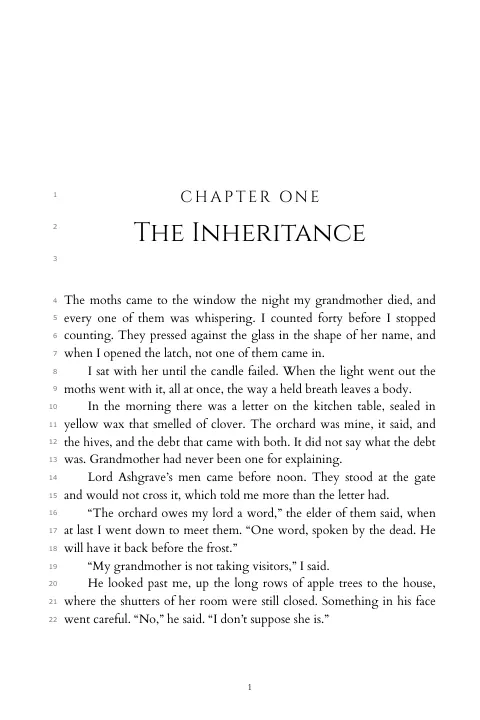
Download a PDF/X-1a print interior, an EPUB 3 with accessibility metadata, a proof with numbered lines so corrections come back as “page 2, line 9”, and a galley DOCX your editor can mark up in Word and send back as the next version.
- Print preflight against common KDP and IngramSpark rejections
- Gutter sized to your page count
- Optional bleed and crop marks
Downloads
Print preflight
PassedFor authors
An interior that looks like it belongs on the shelf beside the books in your genre, without hiring a designer or learning layout software.
Templates
Start from one of 20 templates.
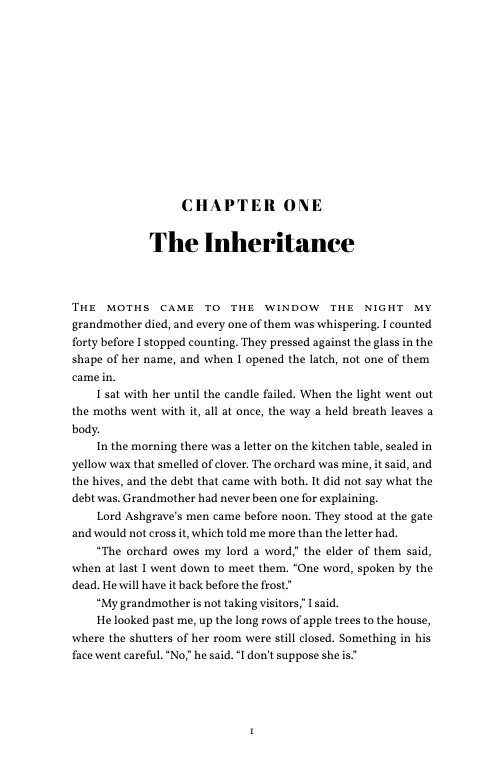
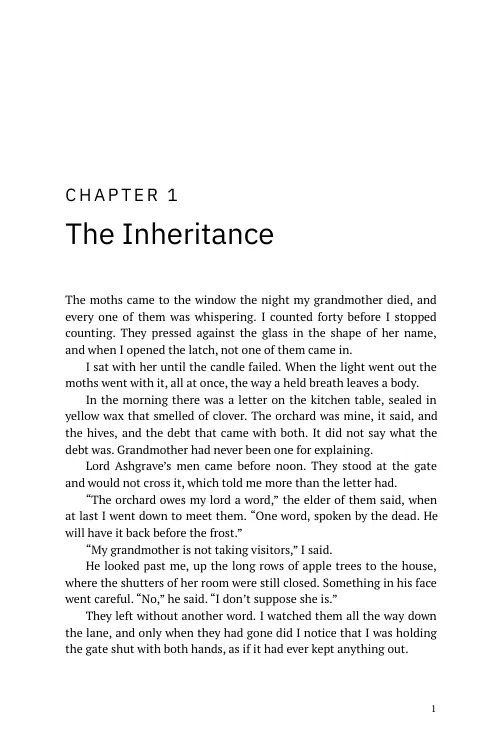
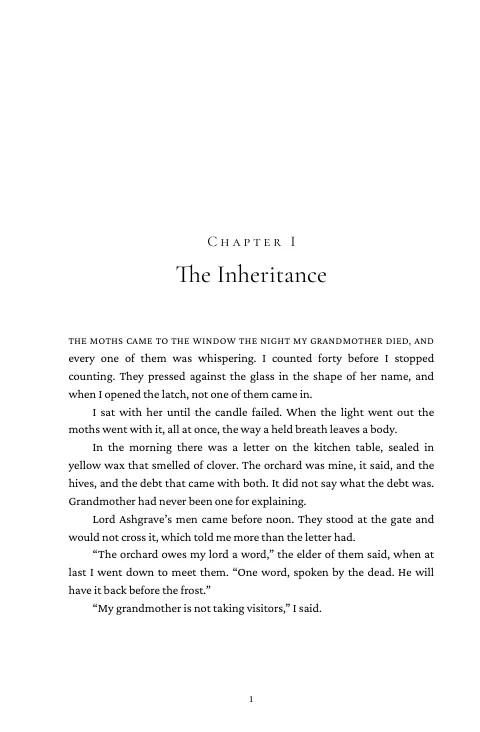
Fantasy, Romance, Thriller, Literary Fiction, Memoir, Large Print and more, each a complete design: fonts, chapter openings, running heads and scene breaks. Change anything and the live preview shows the page as it will print.
- Fiction, non-fiction and accessible templates
- A live preview of the print book and the ebook
- 35 trim sizes, or set your own
Templates · 20
Your design
Fonts, chapters and scene breaks
The details readers notice.
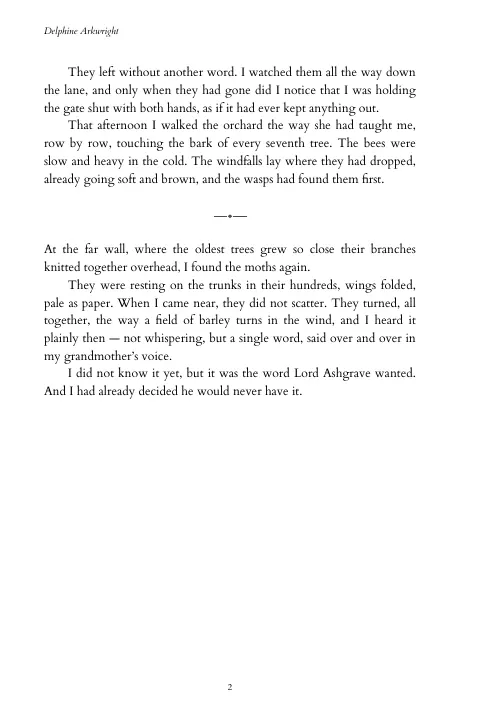
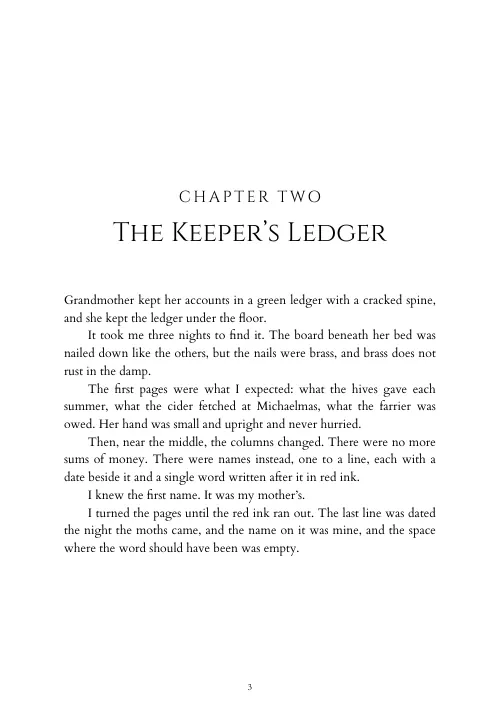
Choose the heading and body fonts, how chapter numbers read, drop caps or a small-caps first line, and the ornament between scenes. This spread shows the end of one chapter and the start of the next, as exported.
- 31 fonts, or upload your own
- 16 scene-break ornaments, or your own image
- Drop caps, lead-ins and chapter images
Chapter style
Front and back matter
Front and back matter that fills itself in.
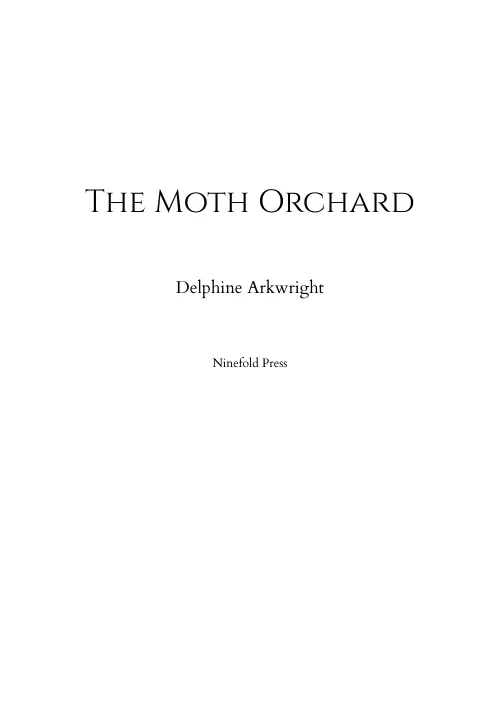
Add a title page, copyright page, dedication, contents, about the author, also by and more. Write the copyright page once with variables like {{title}} and {{printIsbn}}, and each edition prints its own details.
- Title, copyright, contents, dedication and more
- Variables for ISBNs, series, credits and publisher
- Lines with nothing to fill in are left out
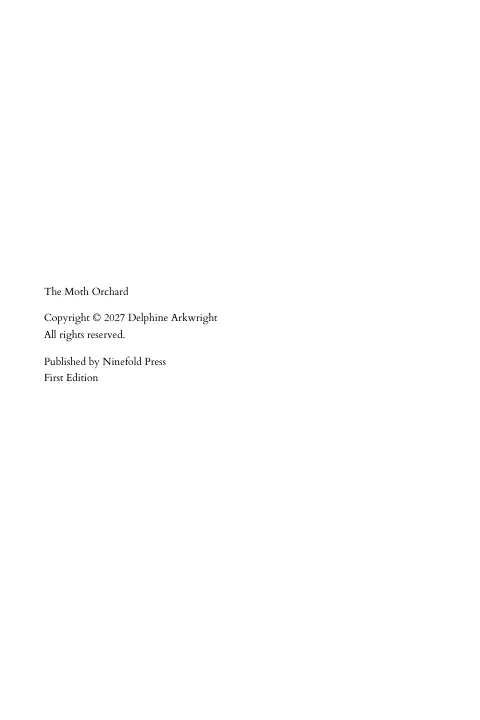
Copyright page · as written
{{title}} Copyright © {{year}} {{author}} All rights reserved. Published by {{publisher}} {{edition}}
Filled in from the book’s details at export
One page, 20 templates
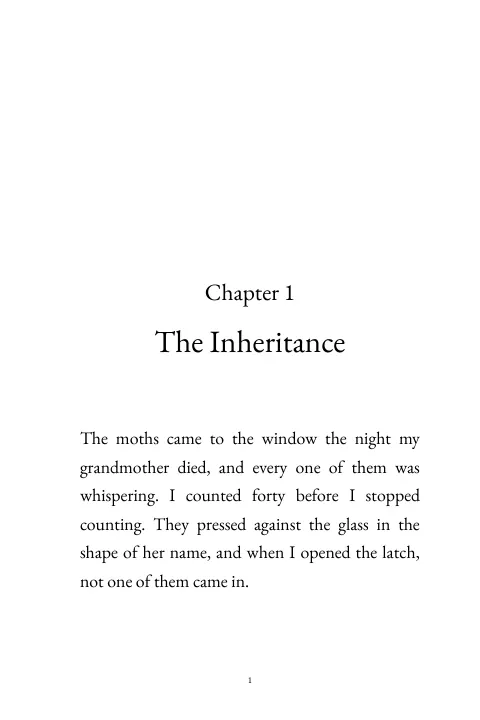
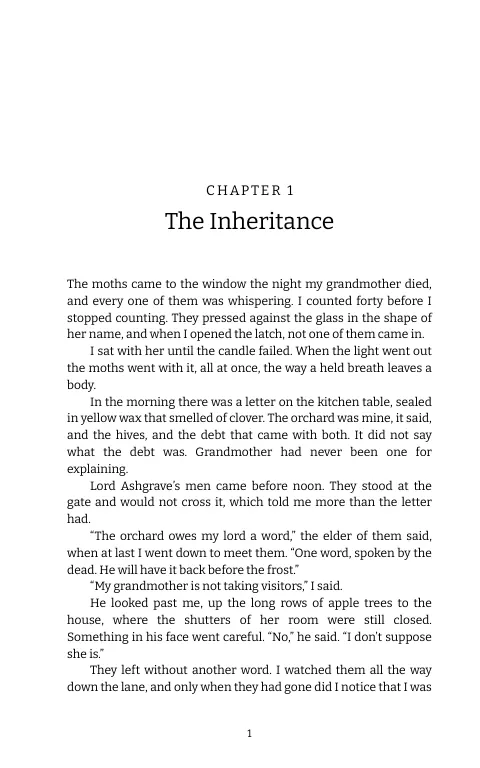
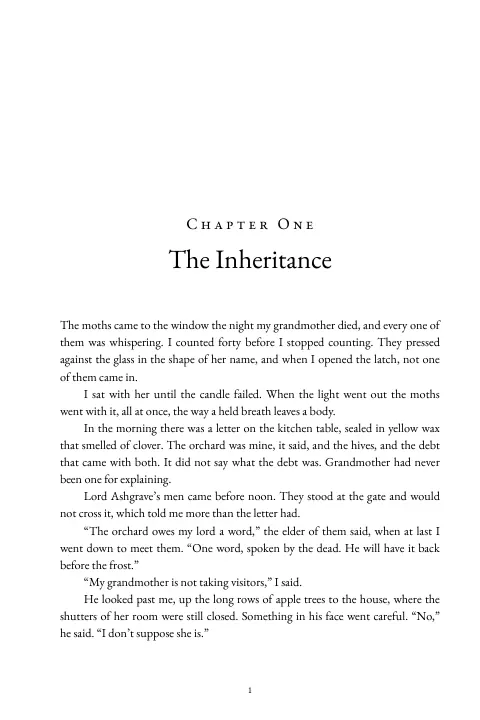
The opening of The Moth Orchard exported in every built-in template. These are the formatting engine’s own pages, not mockups.
Classic 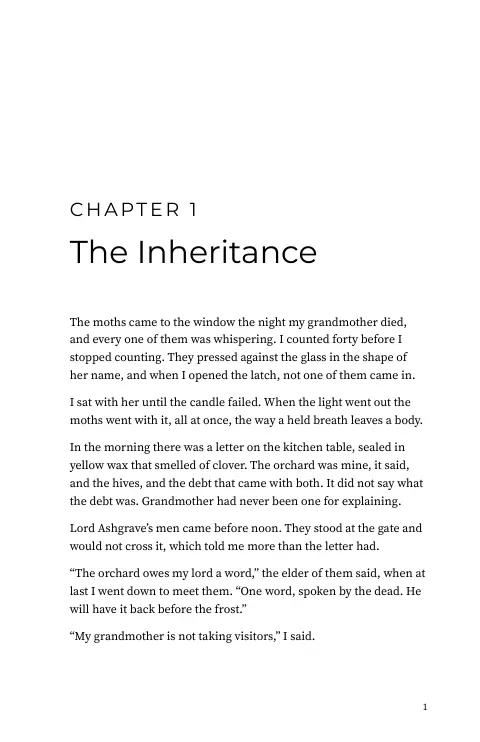
Modern Literary Fiction 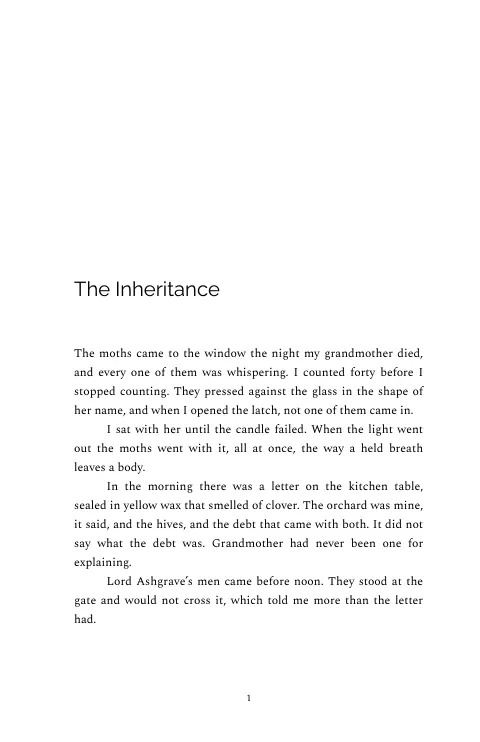
Minimal 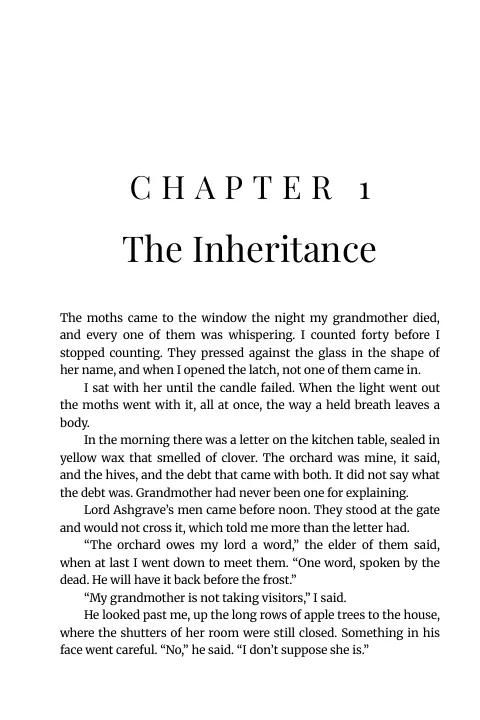
Bold 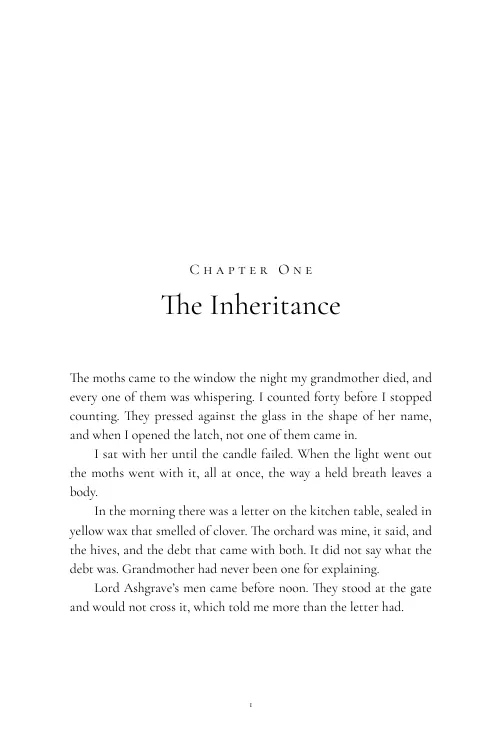
Elegant 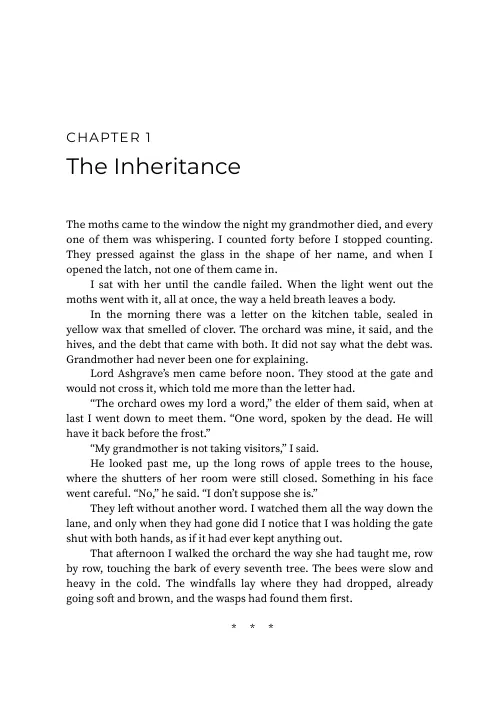
Academic 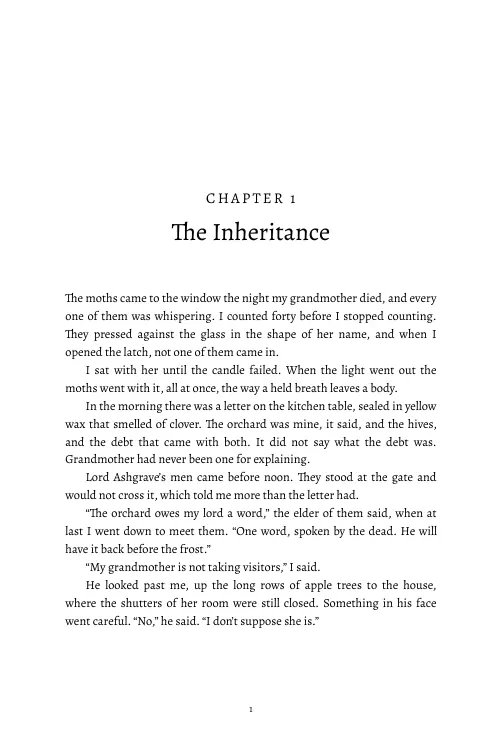
Contemporary 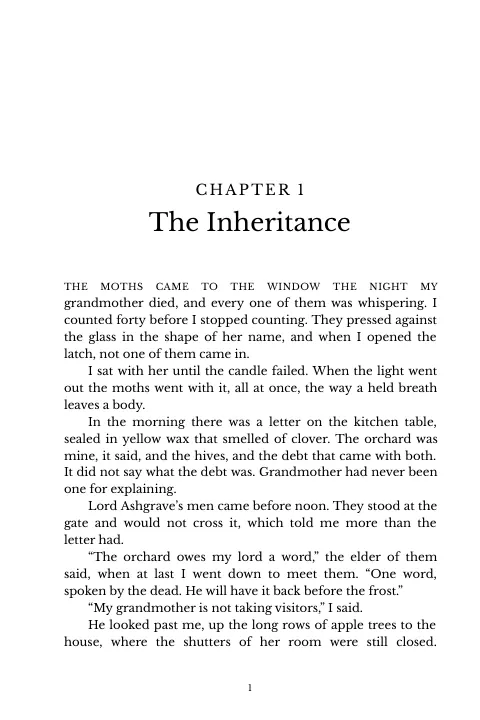
Serif Clean 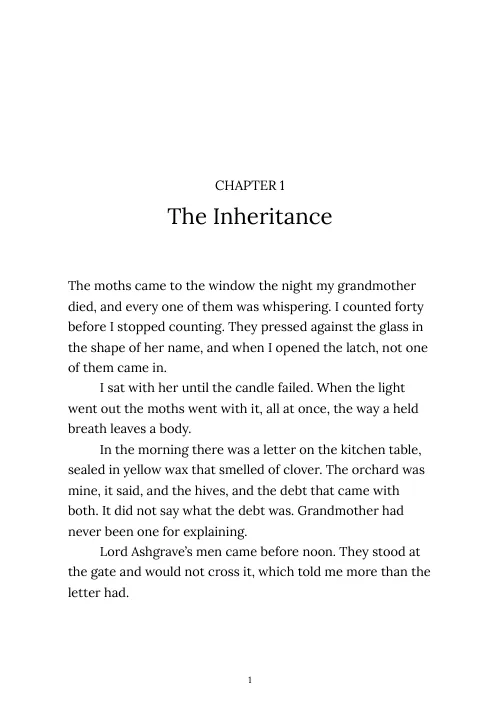
Typewriter Large Print 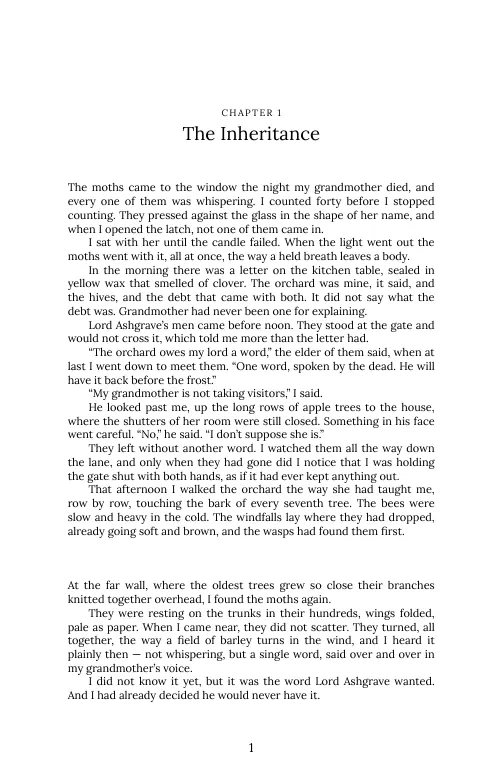
Mass Market 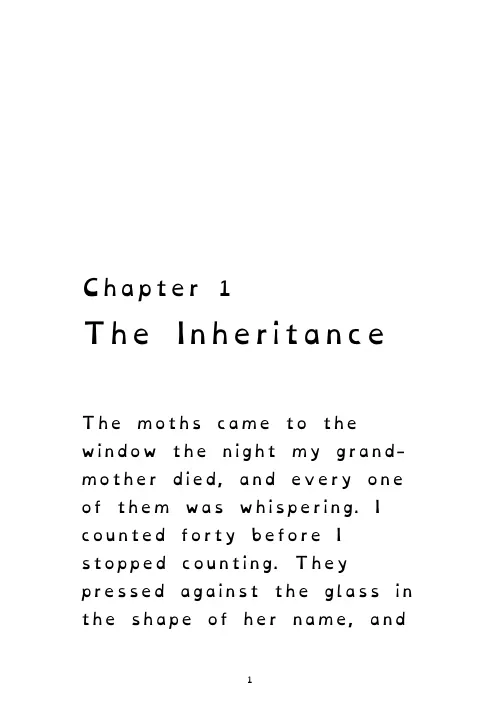
Accessible (Dyslexic) 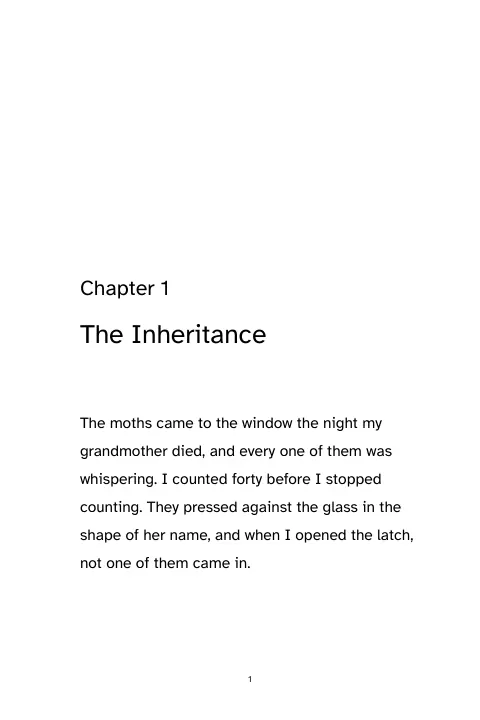
Accessible (Legible) Romance Thriller Fantasy 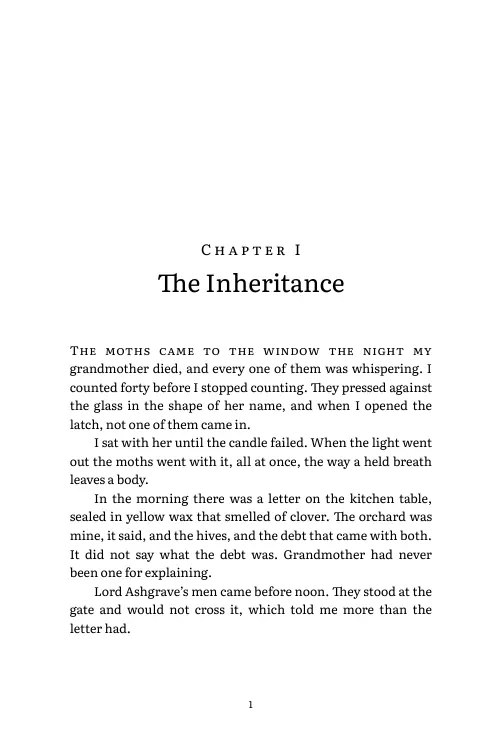
Memoir 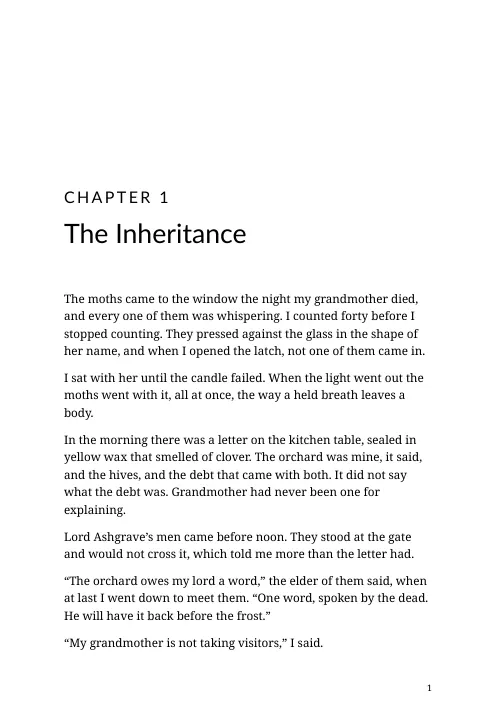
Self-Help & Business Trade Paperback
From manuscript to finished files
Upload your manuscript
Add a Word document. Familiar finds the chapters, scene breaks and front matter.
Pick a template
Start from one of 20 templates or your own house design, and choose a trim size.
Make it yours
Adjust fonts, chapter openings and matter pages while the live preview updates.
Export
Download the print PDF, EPUB, proof and galley, and export again whenever the manuscript changes.
Book formatting software FAQ
Works with the rest of Familiar
Formatting sits between the editing and the launch.
- Editorial toolsEvaluate, proofread and check consistency on the manuscript before you format it.Learn more
- ARC programsSend the finished interior to approved readers, each copy marked with the reader it went to.Learn more
- Author pagesPut the finished book on your author page, with buy links for every store.Learn more
Format your next book with Familiar
Bring a Word manuscript and export a print PDF and an EPUB from the same design. Free during the open beta.